Launch special: Pro is free · Claim it

Full-page screenshots
without the mess.

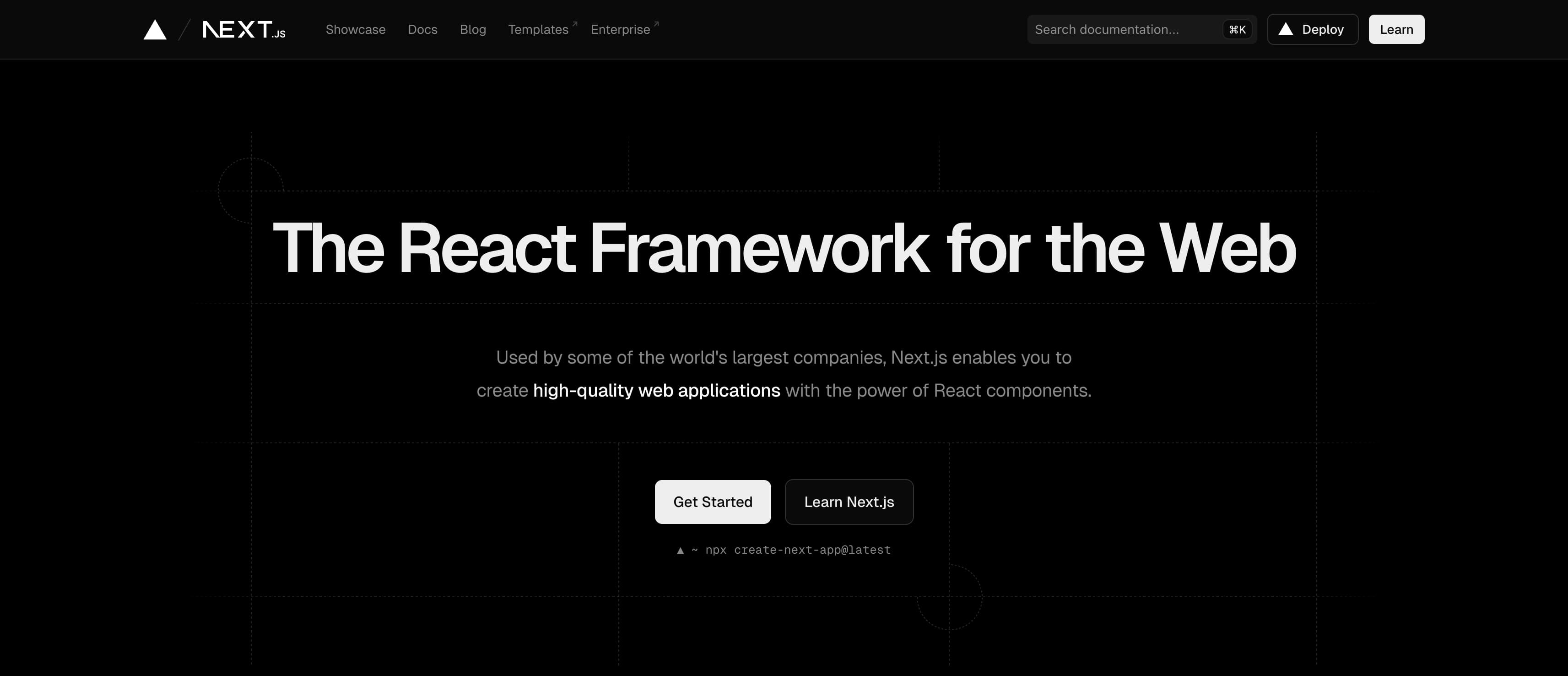
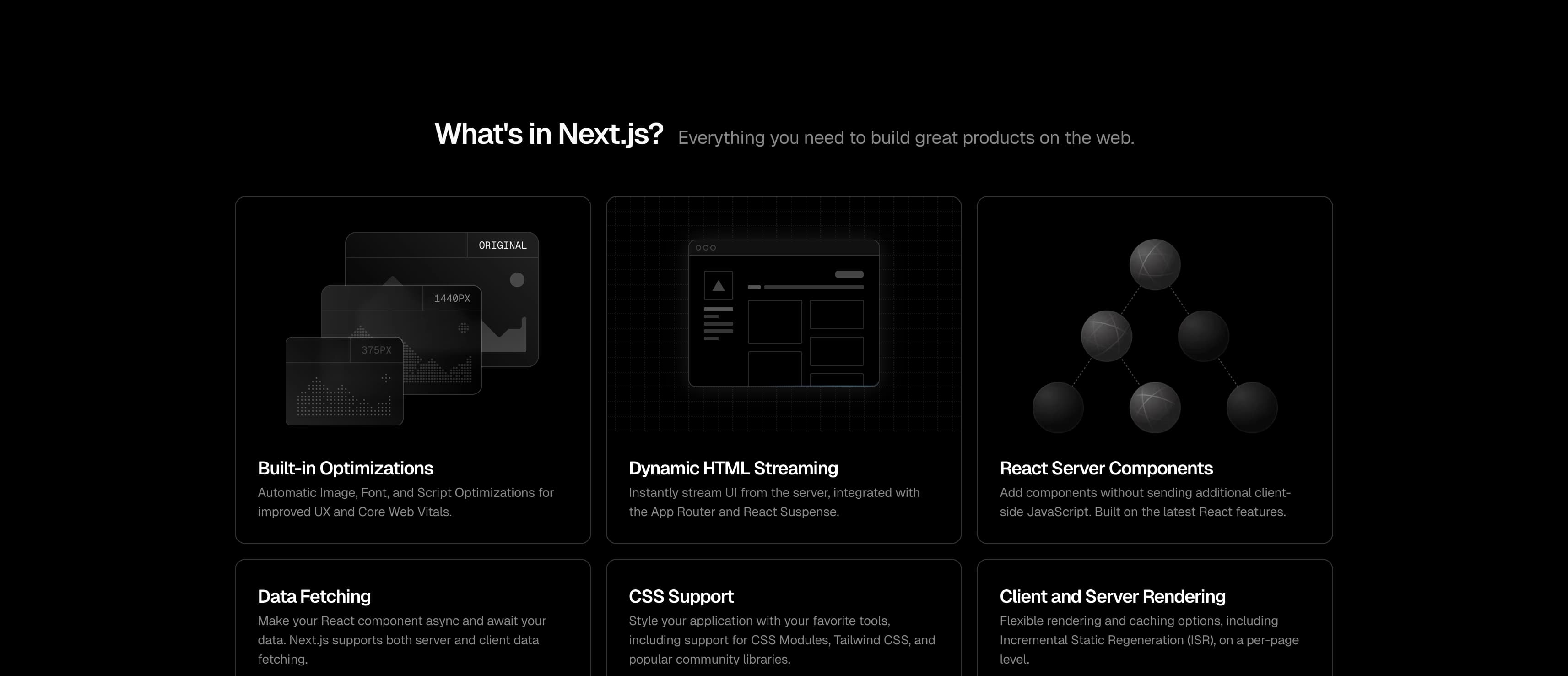
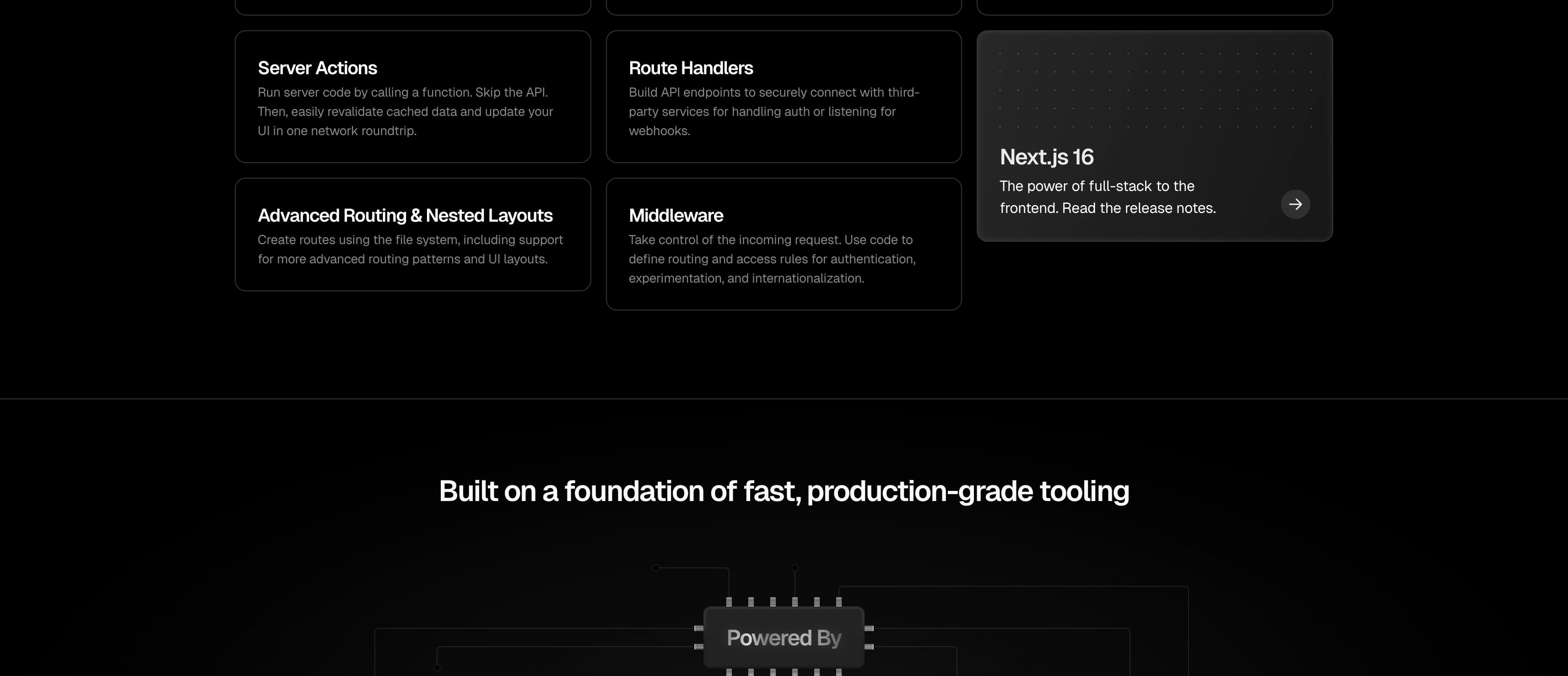
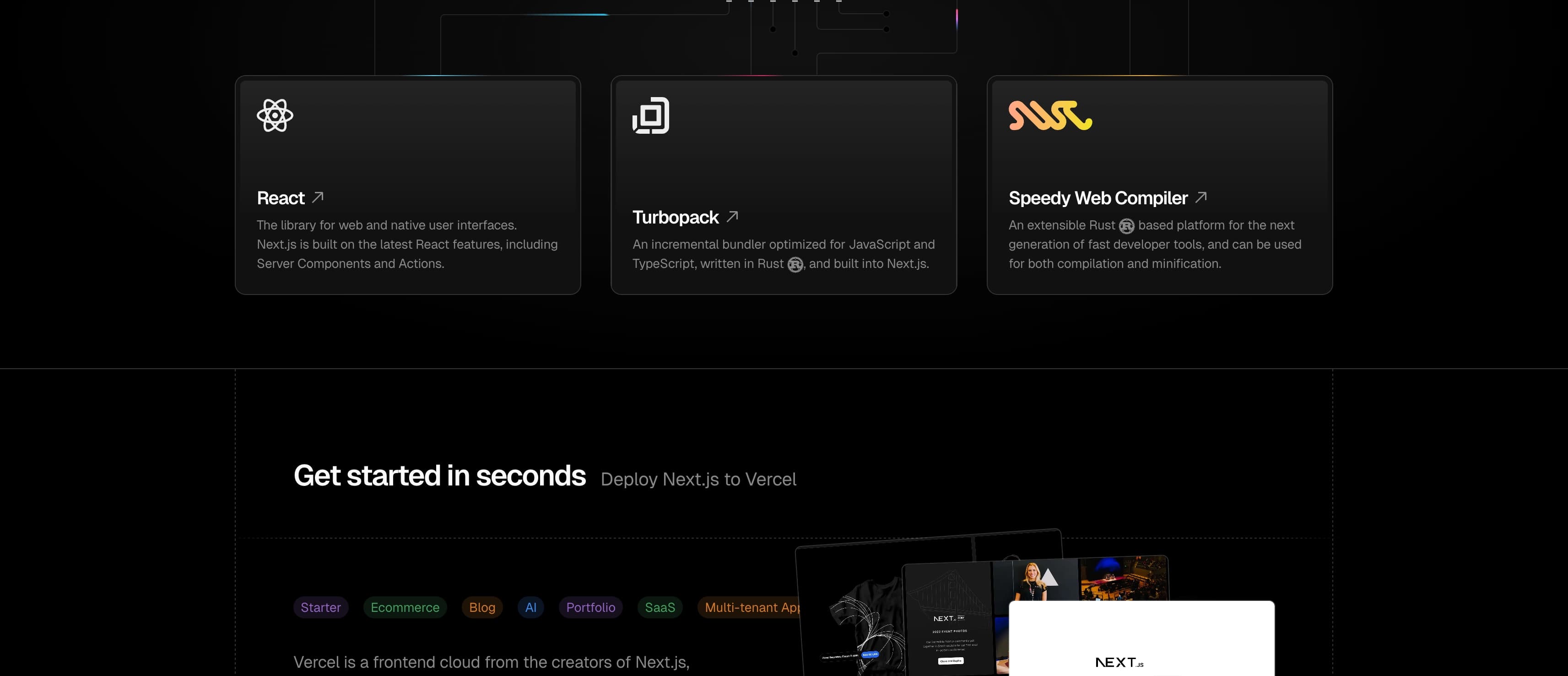
Full Page Hero captures the entire web page, cleans up the usual screenshot headaches, and exports a polished file you can send, save, or drop into your workflow.

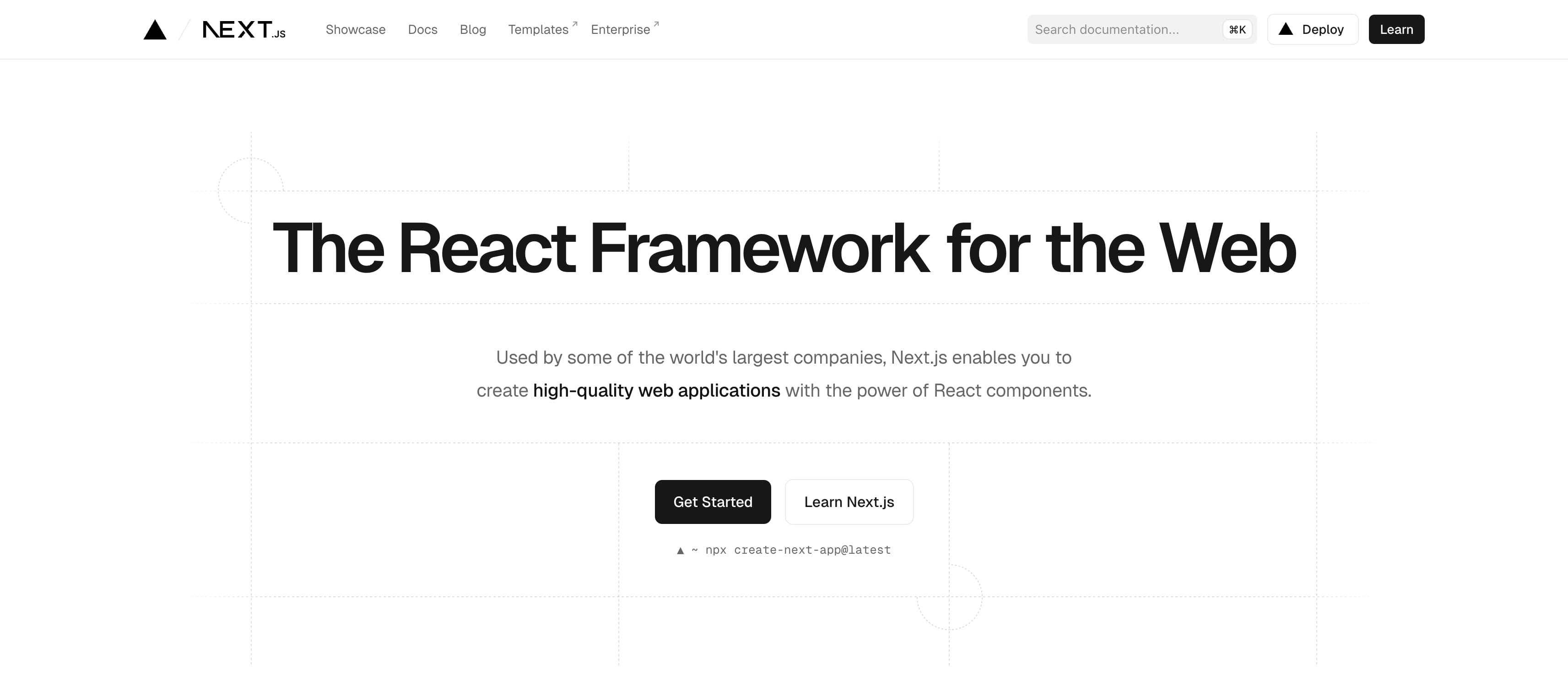
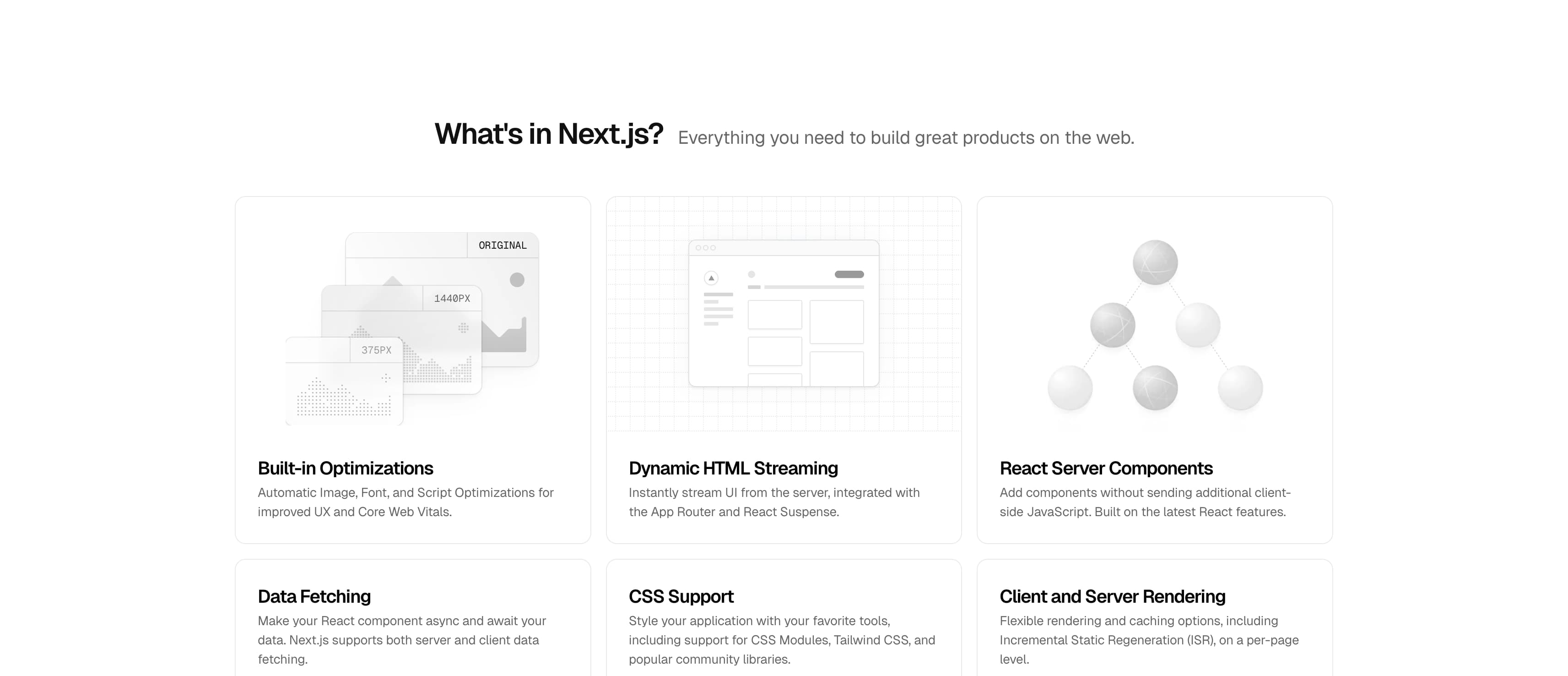
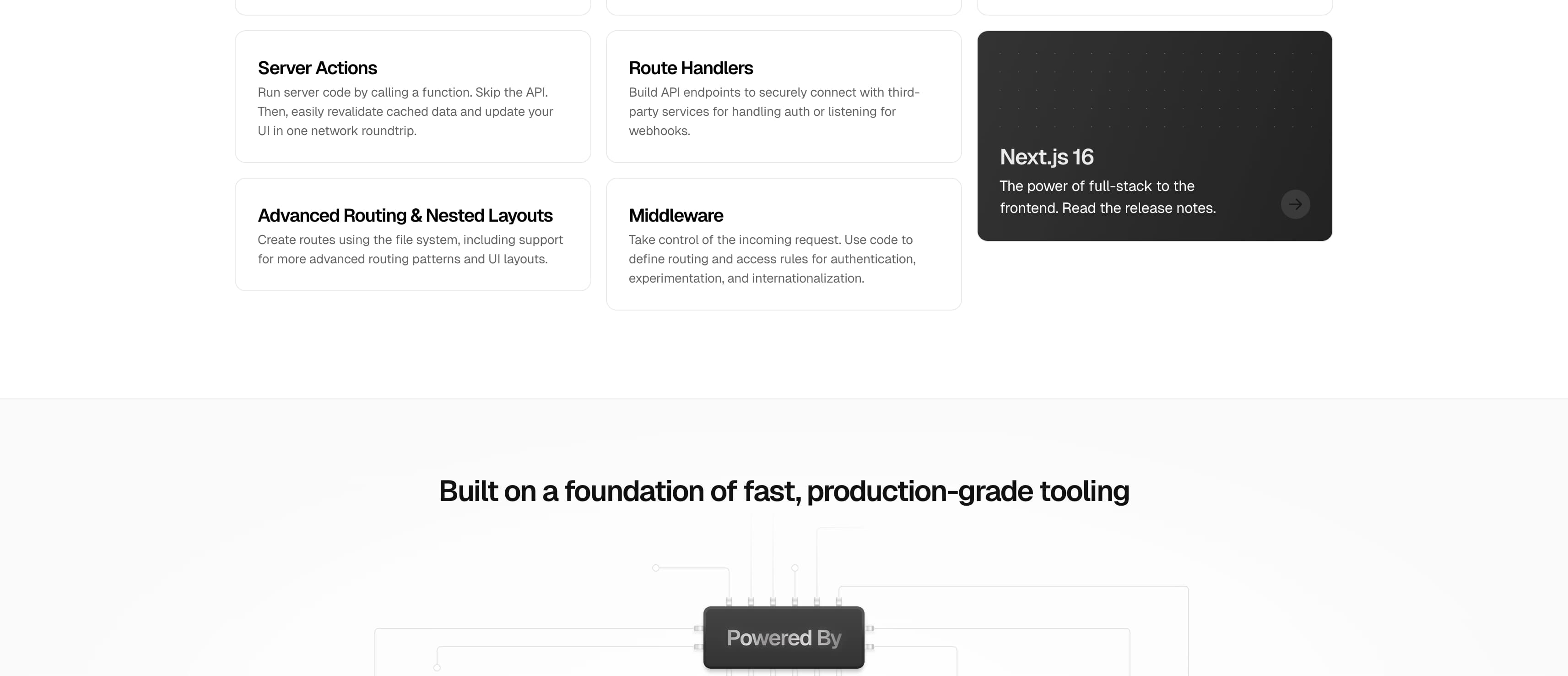
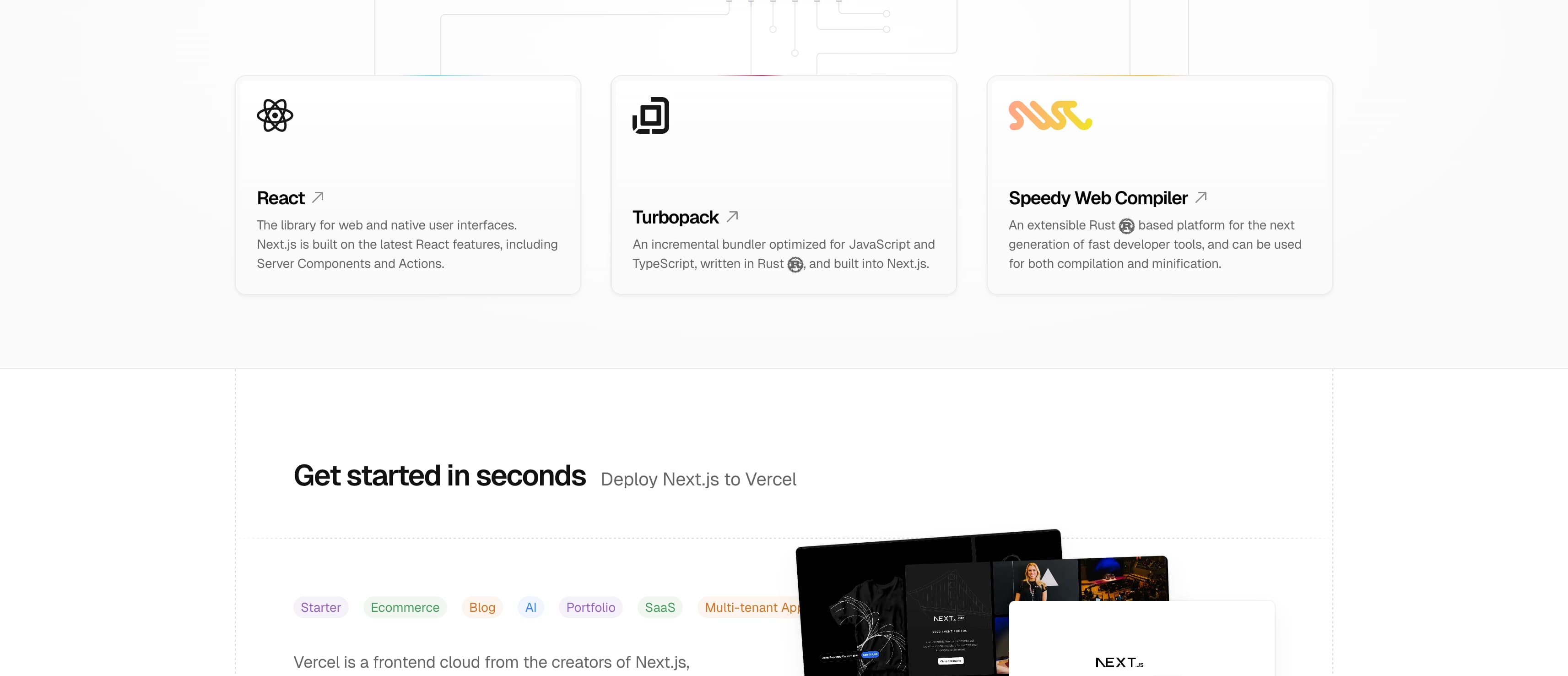
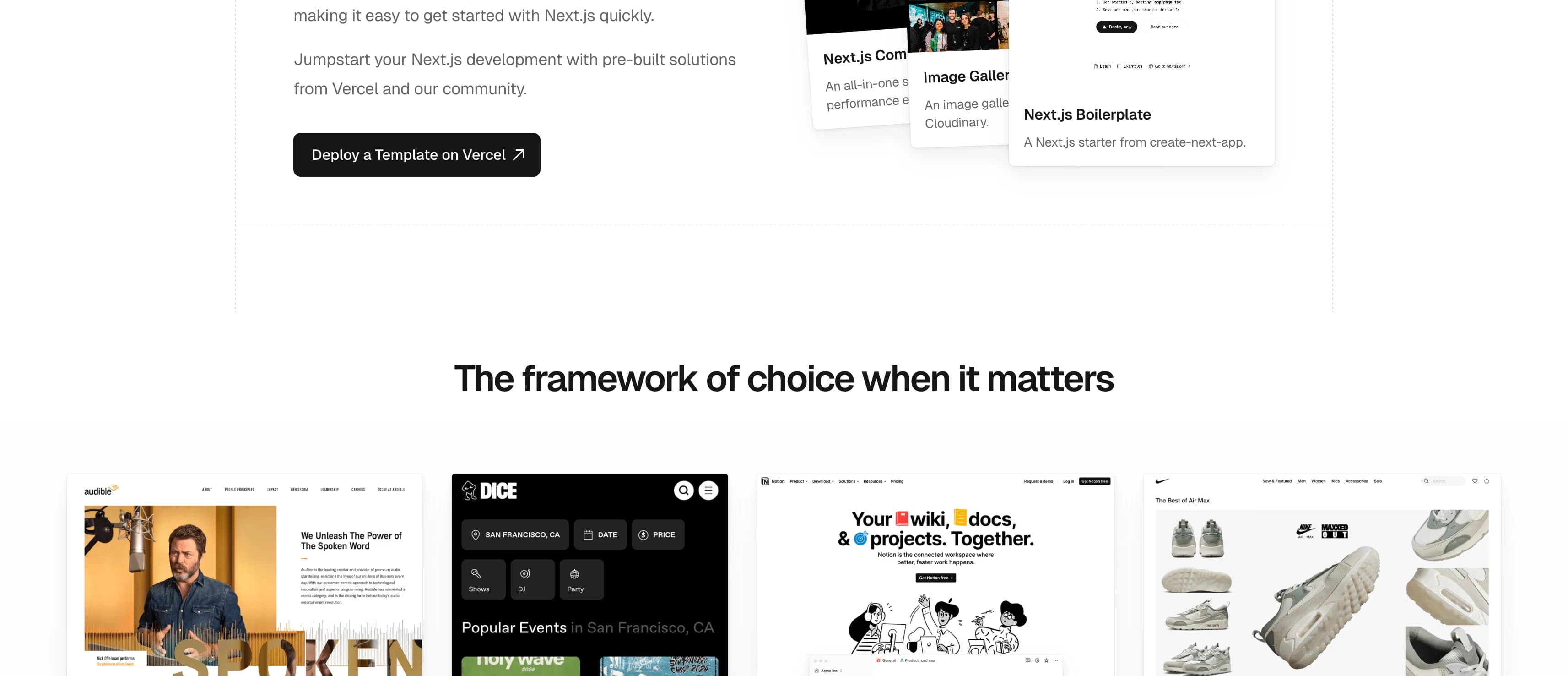
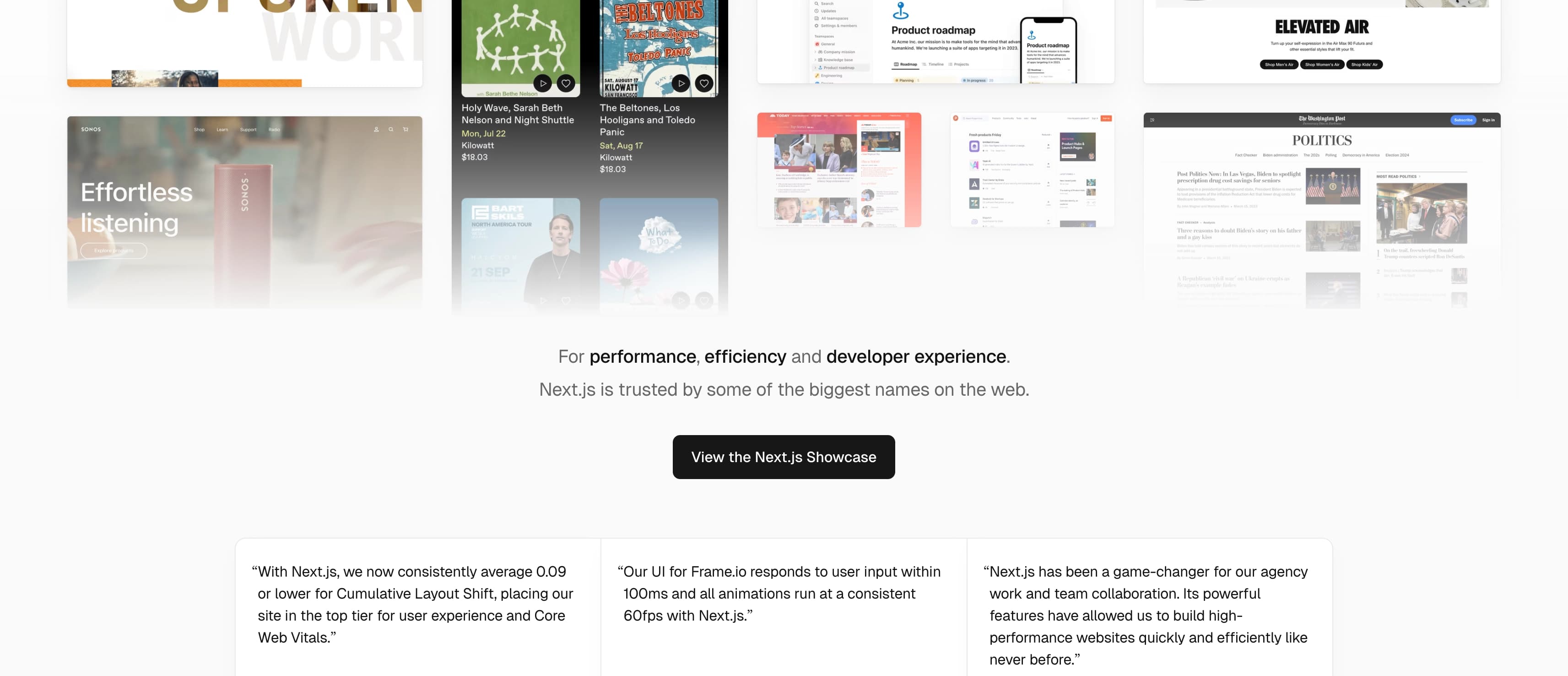
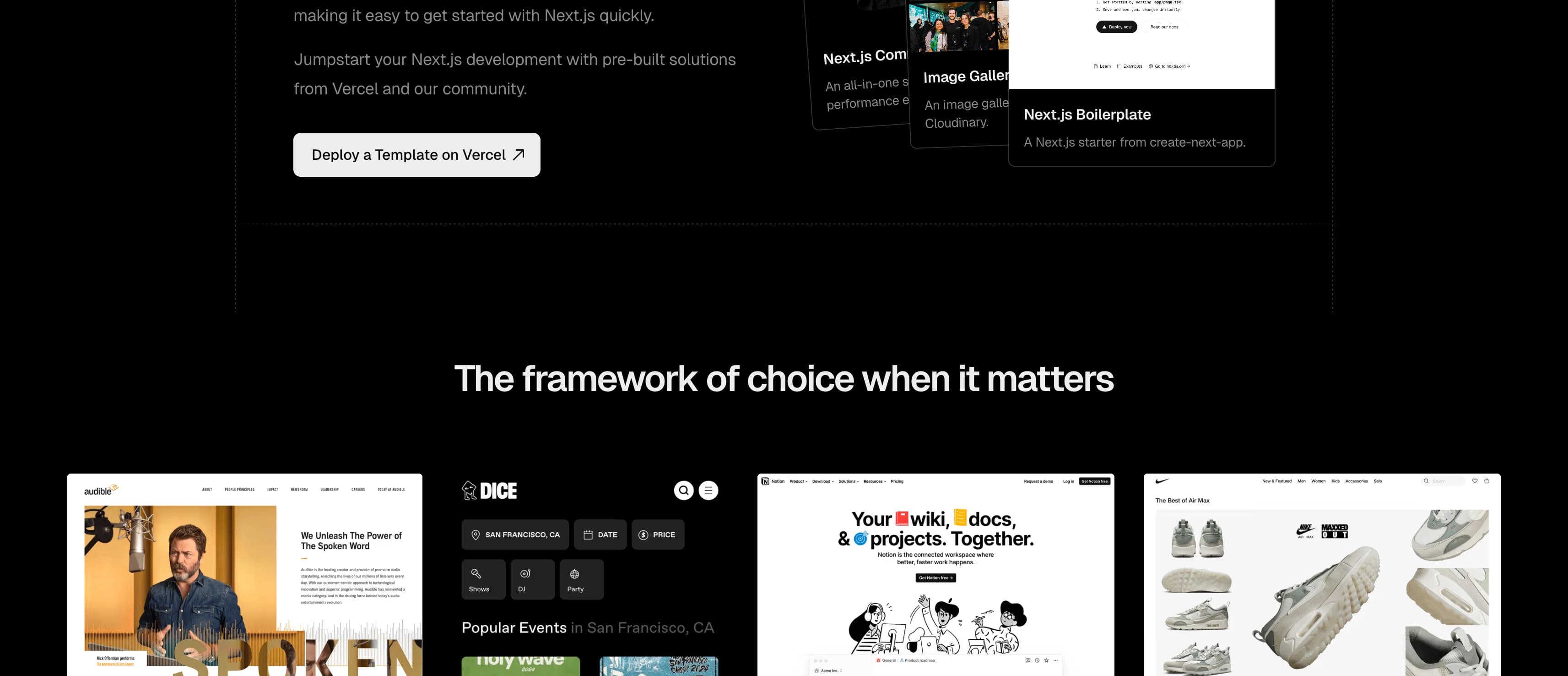
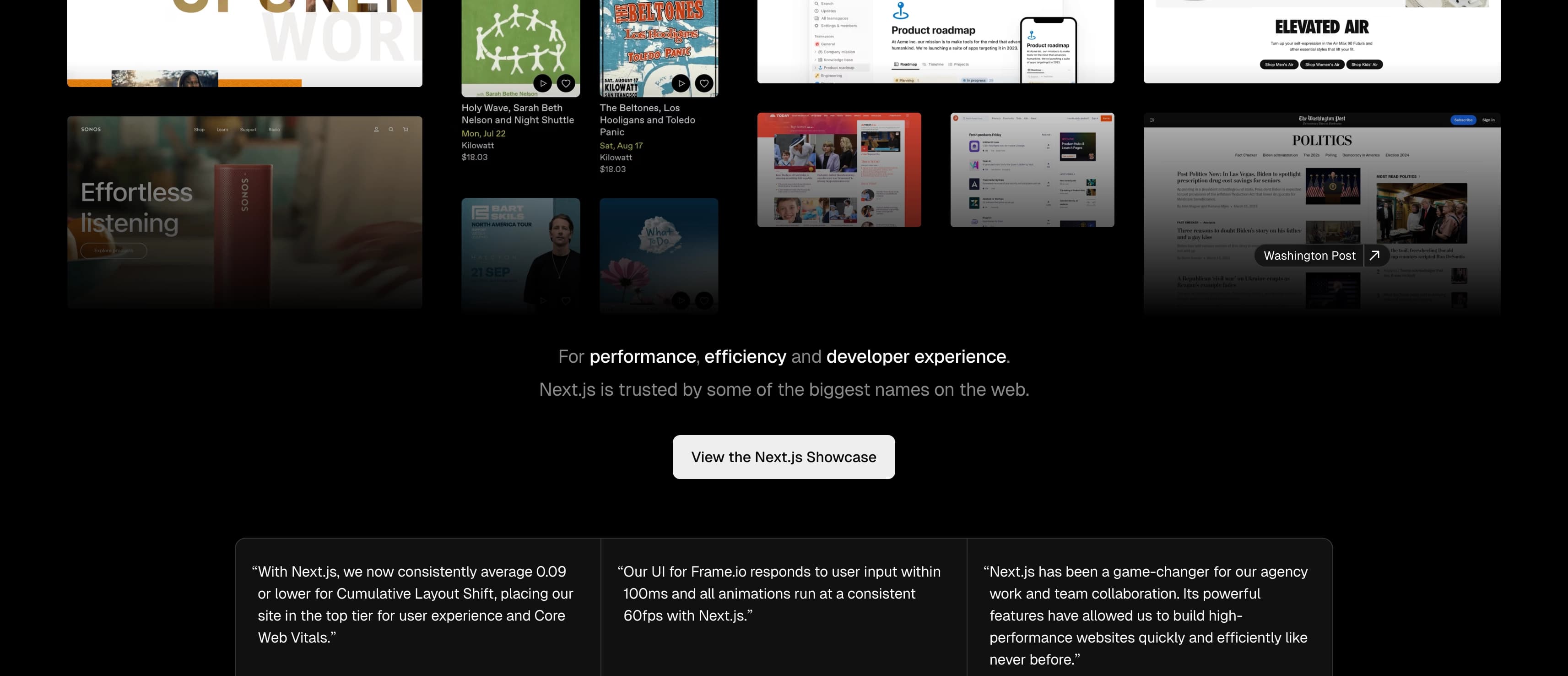
nextjs.org
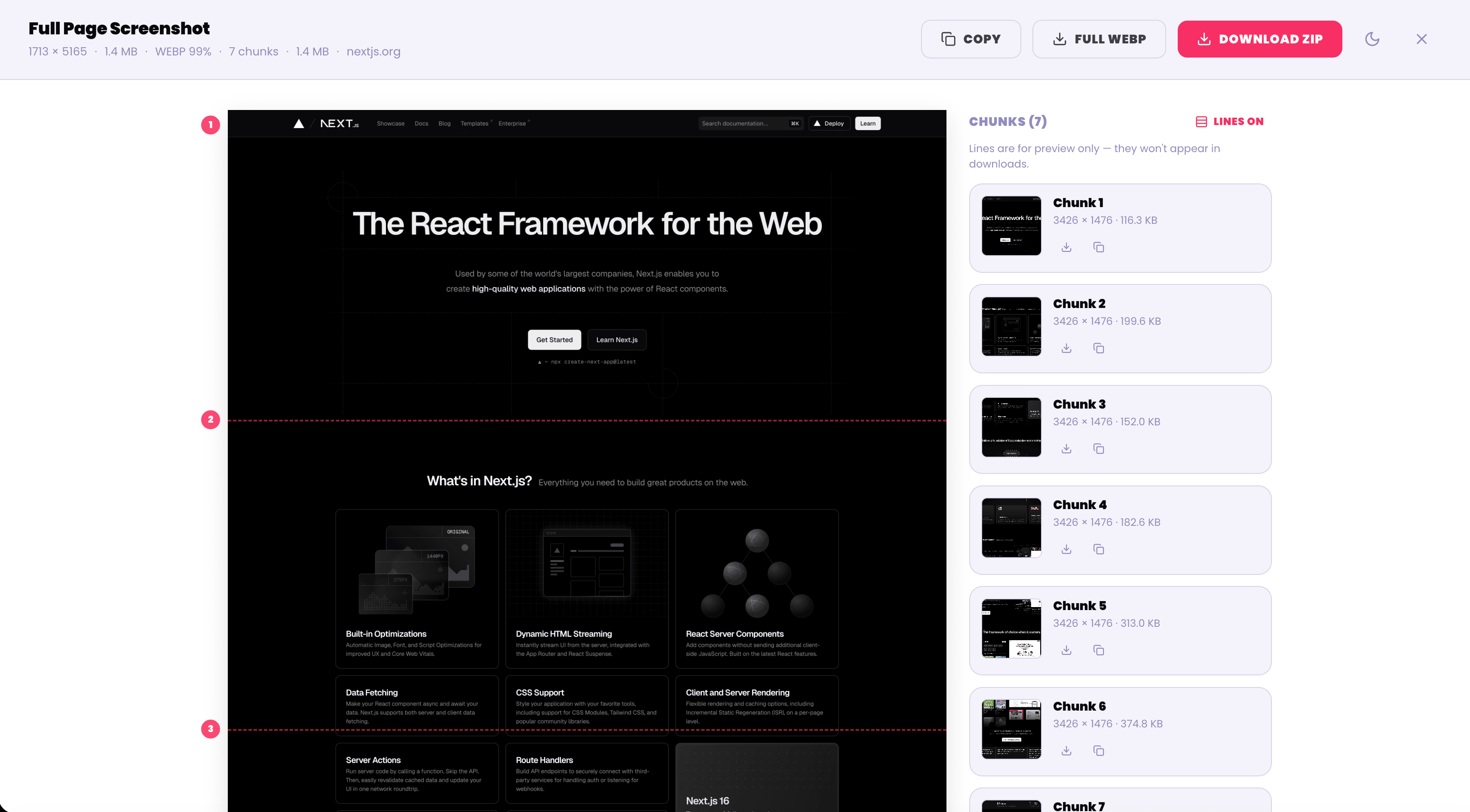
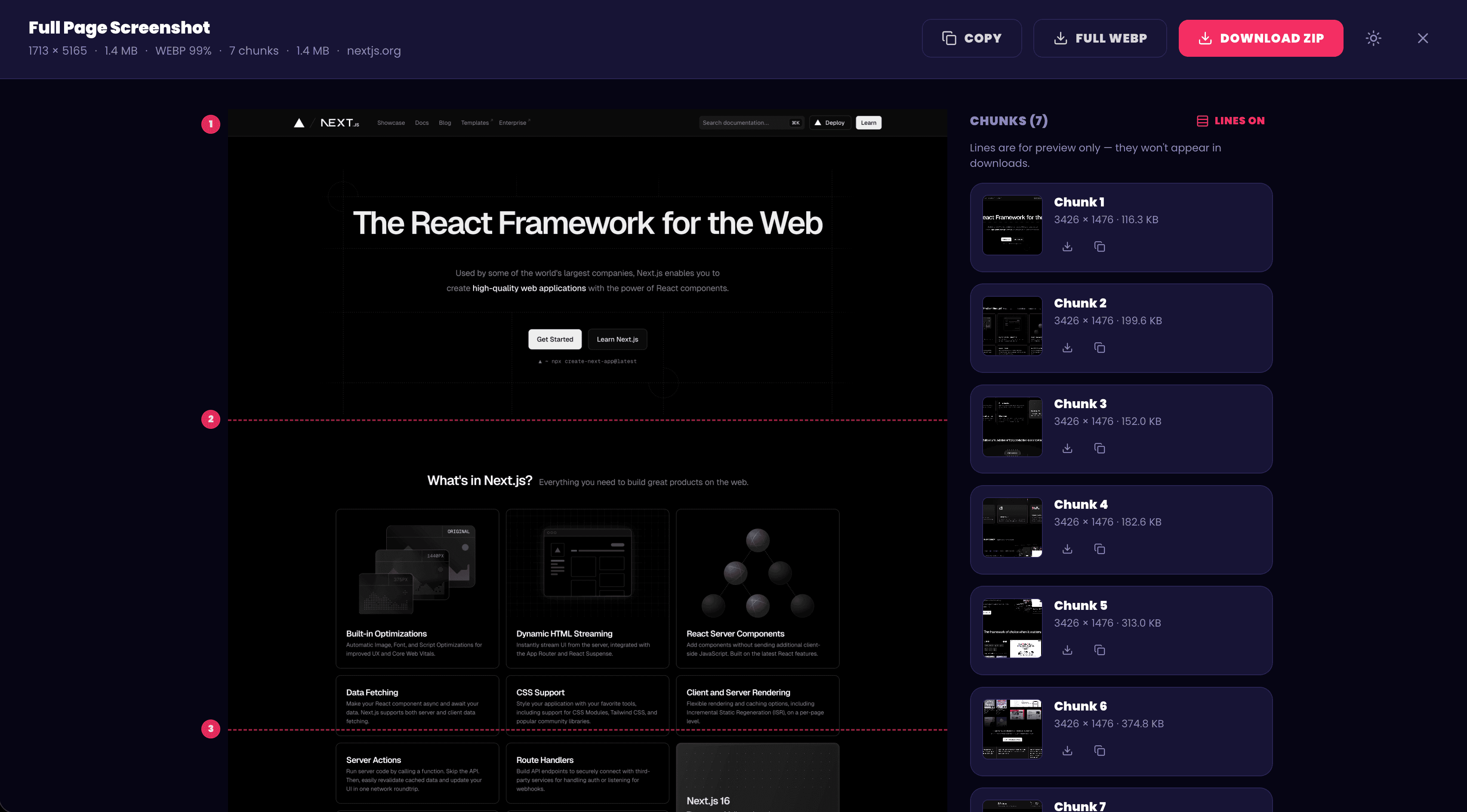
Full Page Hero results view with seven captured chunks
How It Works

From page to polished screenshot in seconds

Install free

Add Full Page Hero to Chrome and pin it for quick access. No account, no extra app, and Pro features are free during early access.

Ready in one click

Capture the full page

Click Full Page and let the extension scroll, load slow images, handle sticky headers, and stitch one clean screenshot for you.

No manual stitching

Export without rework

Save PNG, JPEG, WebP, PDF, Markdown, or shareable tiles. Copy it, mark it up, or send it without manual cleanup.

Share-ready output
Features

Everything you need for cleaner screenshots

Capture, clean up, export, and share long pages without jumping between tools.

Full-page capture

Capture the whole page in one click

Grab pages that are much longer than your screen without stitching screenshots by hand. Full Page Hero scrolls, waits for lazy-loaded content, removes repeated sticky headers, and builds one clean image.

  • Up to 65,000px tall
  • Lazy-load pre-scroll
  • Sticky header handling
What Chrome sees
What you get
PDF export

Save a polished file, not a rough grab

Export your capture as a PNG, JPEG, WebP, or PDF without leaving Chrome. Keep one long reference, split it into standard pages, and preserve clickable links when the page supports them.

  • PNG, JPEG, WebP, and PDF export
  • Single-page or paginated PDFs
  • Native, A4, or Letter sizing
PDF
PDF
01
PDF
02
PDF
03
Links preserved
Annotate

Mark up screenshots before you send them

Draw rectangles, circles, arrows, and freehand notes on any capture. Add text, blur sensitive details, or redact them entirely before you share with a client, teammate, or support thread.

  • Shapes, arrows, freehand, text
  • Blur, pixelate, and redact
  • Annotate per-chunk or full-page
Annotate
T
CHUNK 02
Privacy-first

Your screenshots stay on your computer

Captures, chunking, compression, annotations, and exports all run locally in your browser. No uploads, no accounts, and no browsing data collection.

  • Local capture and processing
  • No third-party analytics
  • No screenshot uploads
Permissions
5 only
  • activeTab
    Capture the page you're on
  • scripting
    Run the scroll-and-stitch logic
  • storage
    Remember your settings
  • offscreen
    Stitch the image off-screen
No tabs access. No debugger. No host permissions.
Page Freeze

Freeze motion for cleaner captures

Carousels half-slid. Banners fading in. Animations everywhere. Page Freeze pauses motion so the screenshot looks like the page is supposed to look. Everything goes back to normal when the capture is done.

  • Animation + transition lock
  • Timer override
  • Reverses cleanly after capture
Tiling

Split extra-long pages into shareable tiles

Some pages are too long for email, docs, chats, or upload limits. Tile them at any size you want, or use presets that keep each image easy to send and read.

  • Custom tile heights
  • Overlap control
  • AI presets for Claude, ChatGPT, and Gemini
ClaudeChatGPTGemini
01
02
03
04
Markdown export

Turn page content into readable Markdown

When you need the words instead of another image, pull the readable page into a Markdown editor, preview it, then copy or download the .md file.

  • Editable Markdown output
  • Live preview before download
  • Copy or save as .md
Markdown
Copy.md
FAQ

Questions before you install

The quick version: it is free to start, privacy-first, and built for clean full-page captures.

Click Install Free and add the extension from the Chrome Web Store. Once it's installed, pin it to your toolbar, open any page you want to capture, and click Full Page.

Yes. The core extension is free, and during early access every Pro feature is unlocked at $0. That includes PDF export, Markdown export, Page Freeze, WebP export, annotations, redaction, unlimited tiles, and configurable overlap.

Nothing about your browsing. Captures, chunking, annotations, compression, and exports happen locally inside your browser. The only outbound network request is license-key validation against Polar.sh if you claim a Pro license.

Chrome's built-in tool often captures only what's visible or leaves you with rough output. Full Page Hero scrolls the whole page, waits for slow images to load, hides repeated sticky headers, pauses animations, and exports cleaner files in formats you can actually share.

You can export common image formats like PNG and JPEG, plus Pro formats such as WebP, PDF, Markdown, and ZIP tiles. During early access, Pro features are free to claim.

Yes. You can add shapes, arrows, freehand notes, and text. You can also blur, pixelate, or redact sensitive areas before sharing a capture.

Not at all. Most people can use Full Page Hero as a cleaner full-page screenshot tool. If you do work with vision models, there are built-in tile presets for Claude, ChatGPT, and Gemini.

Your key is tied to the email you used at checkout. Visit the Polar customer portal (linked from the extension's options page) to recover it any time. Your key activates on multiple devices, so reinstalling on a new machine is a one-click flow.

Since the product is free during early access, there's nothing to refund. Once paid Pro launches, we'll honor a no-questions-asked refund within 14 days of purchase.

Ready when you are

Capture the whole page without stitching screenshots by hand.

Install the free Chrome extension and start exporting cleaner screenshots, PDFs, and shareable captures.